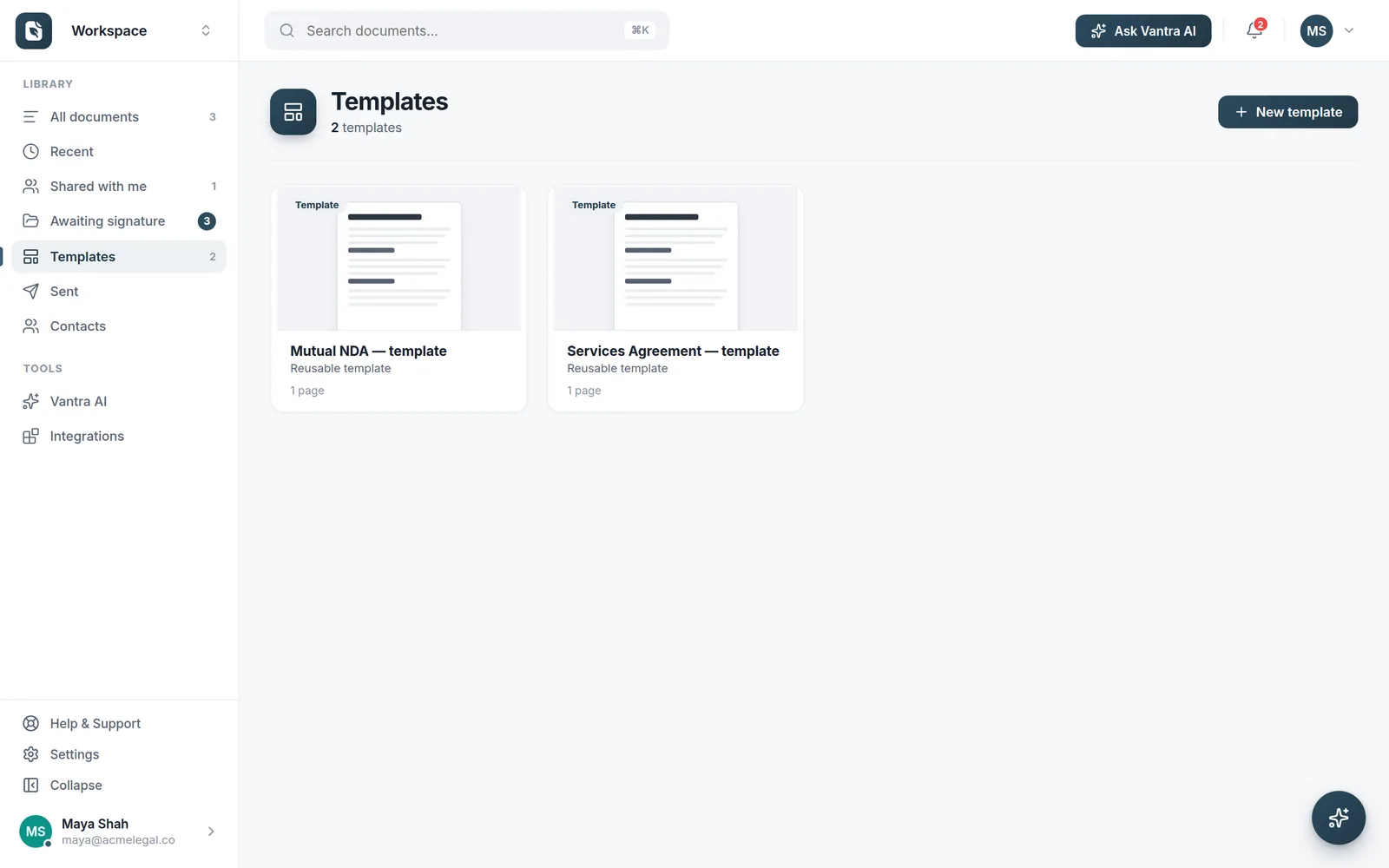
Save any document as a template, and smart fields anchor to the words in your document — so the next version lands with every field in the right place.
Turn your most-used agreements into templates with fields, recipients and signing order baked in. Spin up a ready-to-send document in seconds.
Because documents change — and re-placing fields every month is a waste of time.
Fields attach to the text, not fixed positions.
New version? Fields land in the right place.
Assign fields to signers once, reuse every time.
Go from template to sent in under a minute.
After the first time, the repetitive part is done for you — every send.
Prepare a document with its fields, recipients and signing order, then save the whole thing as a reusable template in one click.
Smart fields attach to the words in your document — not fixed positions — so they survive new versions, extra pages and edited content.
Start a fresh document from the template, fill in the specifics, and send — every field already sitting in the right place.
Smart fields anchor to the text in your document instead of pixel coordinates. When next month's version has an extra paragraph or a new page, each field still lands exactly where it belongs — no dragging fields back into place by hand.
Yes. Save any prepared document — a block document or an uploaded PDF — as a template in one click, with its fields, recipients and signing order kept with it.
Yes. Templates live in a shared gallery for your workspace, so everyone sends the current, approved version of every agreement instead of hunting for the right file.
New documents you create use the latest version, while documents already sent stay exactly as they were — so signatures already in flight are never affected.
More questions? Talk to us →
Save it once as a template and let smart fields do the repetitive work every time you send.