Desktop app · Windows & macOS

Folio, at home on your desktop.

The full document workspace as a native app. Double-click any PDF to open it in Folio, sign in once, and let updates install themselves.

Free with every plan Signed & notarized for macOS Updates install themselves

Signed & notarizedApple Developer ID
Opens PDFs from your desktopDouble-click any PDF

Vantra Folio
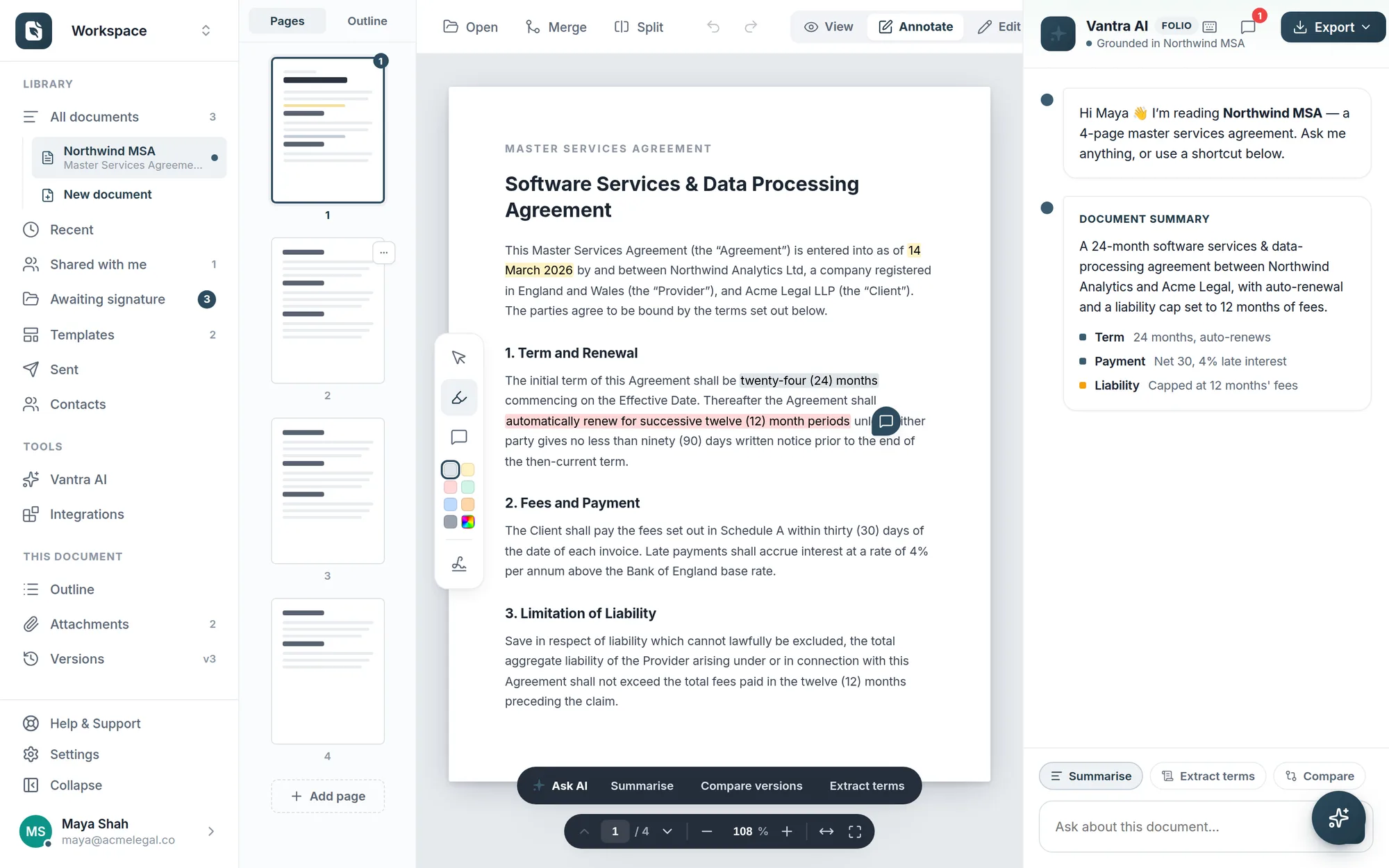
The Vantra Folio desktop app with an agreement open in the editor, annotation tools, and the Vantra AI panel.
Native on Mac & WindowsOne app, both platforms
Signed & notarizedVerified by Apple for macOS
Updates itselfNew versions install quietly
One account, everywhereSame documents as the web app
Downloads

Choose your platform

Both apps are free, use your existing Folio account, and keep themselves up to date.

Folio for macOS

For Apple Silicon and Intel Macs. Signed with a Developer ID and notarized by Apple — installs without warnings.

  • VersionLatest
  • RequiresmacOS 11 Big Sur or later
  • Download size≈ 100 MB
  • UpdatesAutomatic, in the background

Folio for Windows

A one-click installer for 64-bit Windows. Adds Folio to your Start menu and registers it for opening PDFs.

  • VersionLatest
  • RequiresWindows 10 or later (x64)
  • Download size≈ 100 MB
  • UpdatesAutomatic, in the background

Looking for an older build? All releases & notes →

Open with Folio

Double-click a PDF, land in your editor

Folio registers as a PDF app on your computer. Any PDF — an email attachment you saved, a contract on your desktop — opens straight into your library, ready to edit, annotate, and send for signature.

  • Double-click or "Open with" from Finder and File Explorer
  • Straight into your library — imported like any upload, synced to your account
  • Make it your default PDF app in one setting, whenever you're ready
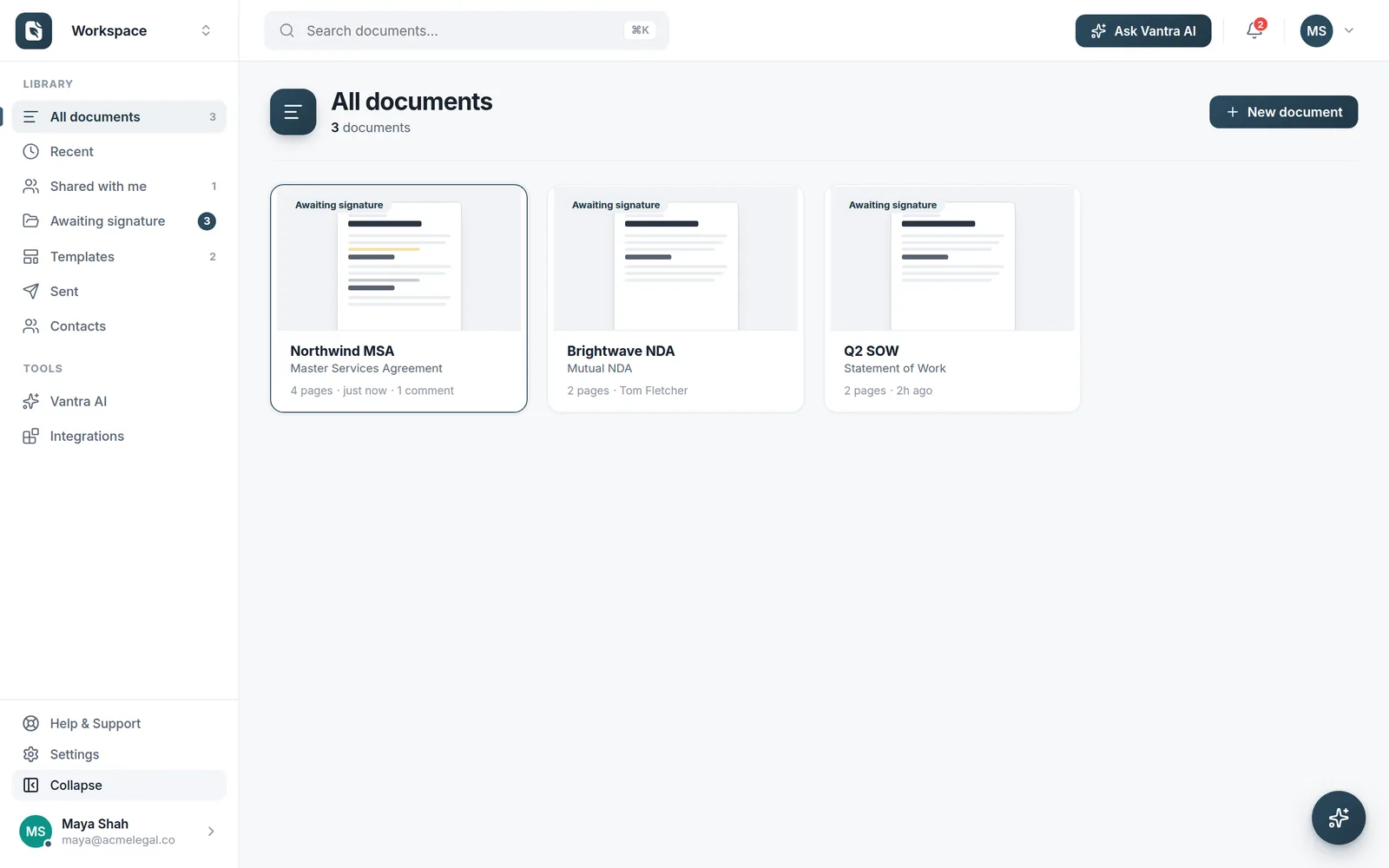
The Folio library with imported documents, folders, and recent activity.
Nothing missing

The complete workspace, in its own window

This isn't a cut-down companion app. Everything Folio does on the web is here — editing, forms, e-signature sends, templates, smart fields, and Vantra AI — sharing one account and one library with your browser.

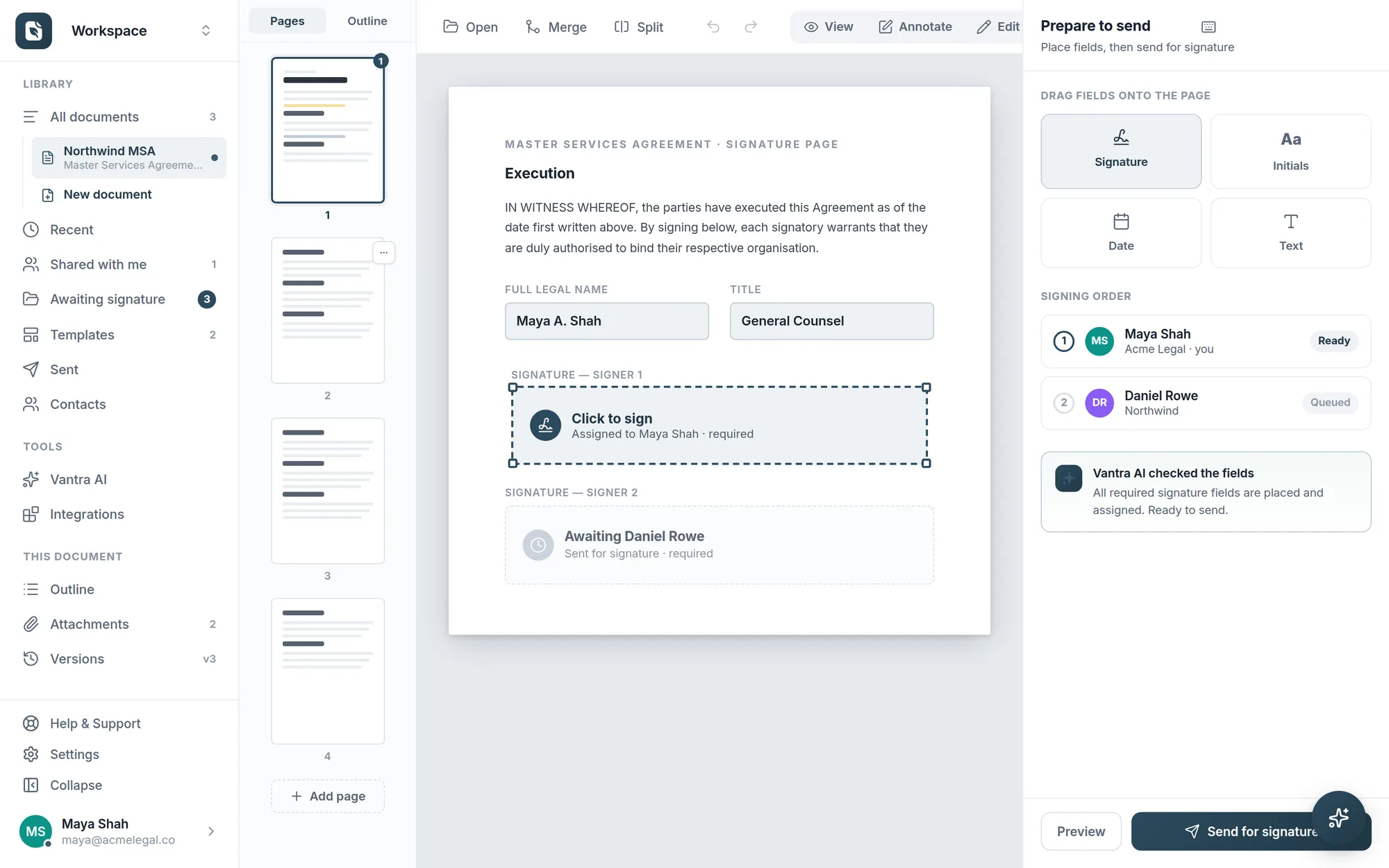
  • Prepare & send for signature with the same tracked flows
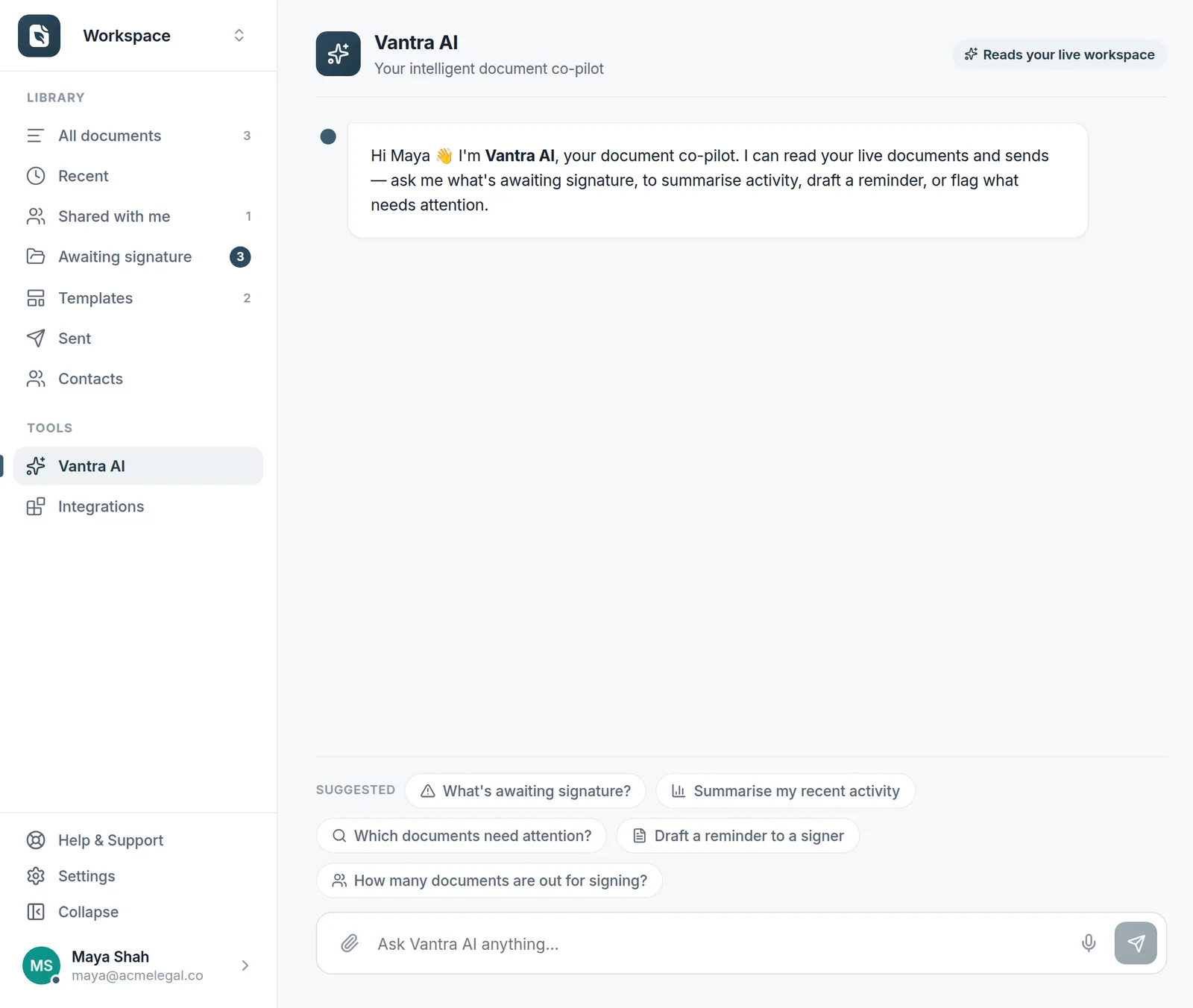
  • Vantra AI included — summaries, clause checks, and drafting help
  • Sign in with Google, Microsoft, or email — through your own browser, never an embedded one
Explore all features
Preparing a document for e-signature in Folio with signature fields and recipients.
Always current

Updates that install themselves

The desktop app quietly checks for new releases, downloads them in the background, and applies them next time you quit. You're always on the latest Folio — without ever downloading an installer again.

  • Background downloads — no interruptions, no prompts to babysit
  • Every build is signed — macOS verifies each update before it installs
  • Public release feed — every version and its notes, out in the open
Vantra AI analysing an open contract in the Folio desktop app.
Getting started

Up and running in under a minute

1

Download

Grab the installer for your platform above — Apple Silicon, Intel Mac, or Windows.

2

Install

On a Mac, drag Folio into Applications. On Windows, the one-click installer does the rest.

3

Sign in

Use your existing Folio account — Google, Microsoft, or email. Your documents are already there.

FAQ

Desktop app questions

Is the desktop app free?

Yes. The desktop app is included with every Folio plan — including the free one. It uses the same account and the same plan limits as the web app.

Do my documents sync between desktop and web?

Yes — desktop and web are two windows onto the same workspace. Import a PDF on your desktop and it's in your library in the browser, and vice versa.

How do updates work?

The app checks for new releases when it starts and periodically while it runs. Updates download in the background and install when you quit the app — you'll see a small notification when one is ready, and you never have to download an installer again.

Is it safe to install?

The macOS app is signed with an Apple Developer ID and notarized by Apple, so it installs cleanly with no warnings. The Windows installer is awaiting its code-signing certificate, so Windows SmartScreen may ask you to confirm the first install — choose More info → Run anyway. Every download comes only from our official release page.

How do I make Folio my default PDF app?

On macOS: right-click any PDF → Get Info → Open with → choose Vantra Folio → Change All. On Windows: right-click a PDF → Open with → Choose another app → Vantra Folio → tick Always. Until then, Folio is always available from the right-click Open with menu.

What are the system requirements?

macOS 11 Big Sur or later on Apple Silicon or Intel, or 64-bit Windows 10 and later. An internet connection is needed to sign in and sync documents.

More questions? Talk to us →

Your documents, one double-click away.

Put Folio on your desktop and every PDF becomes the start of a signed agreement.

The Folio library in the desktop app.